Grabswift
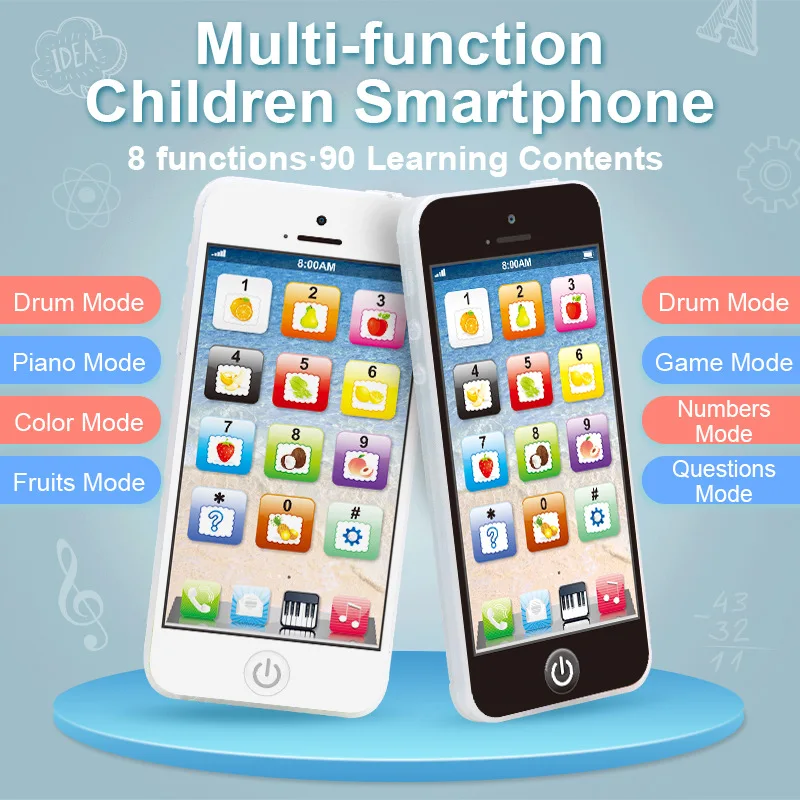
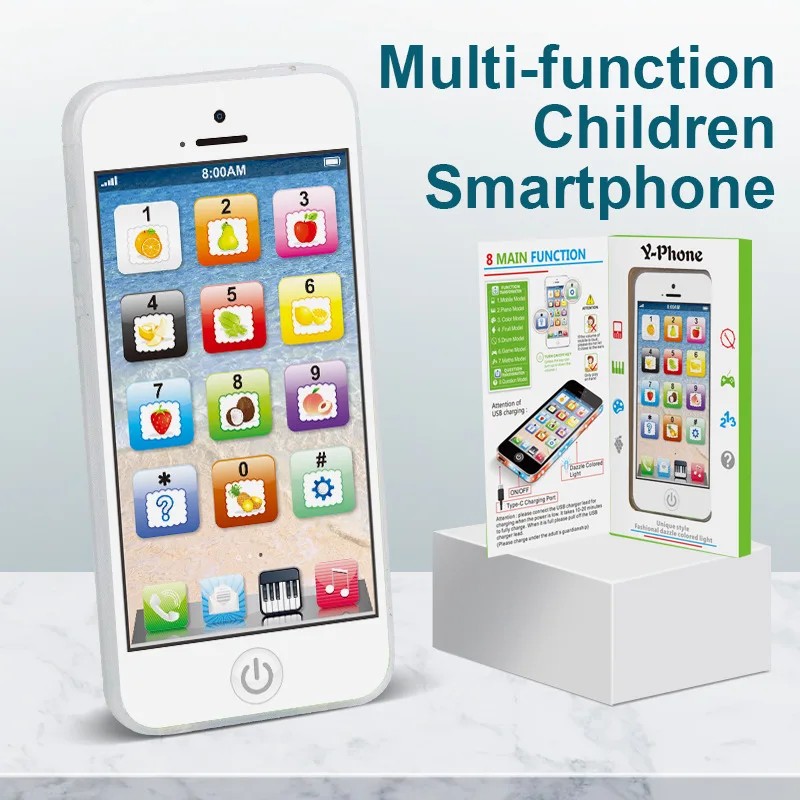
Kids Fun Learning Play Phone - Interactive Simulation, Numbers & Fruits, 12 Educational Keys - Fosters Cognitive Skills, Built-i
Kids Fun Learning Play Phone - Interactive Simulation, Numbers & Fruits, 12 Educational Keys - Fosters Cognitive Skills, Built-i
Couldn't load pickup availability
-
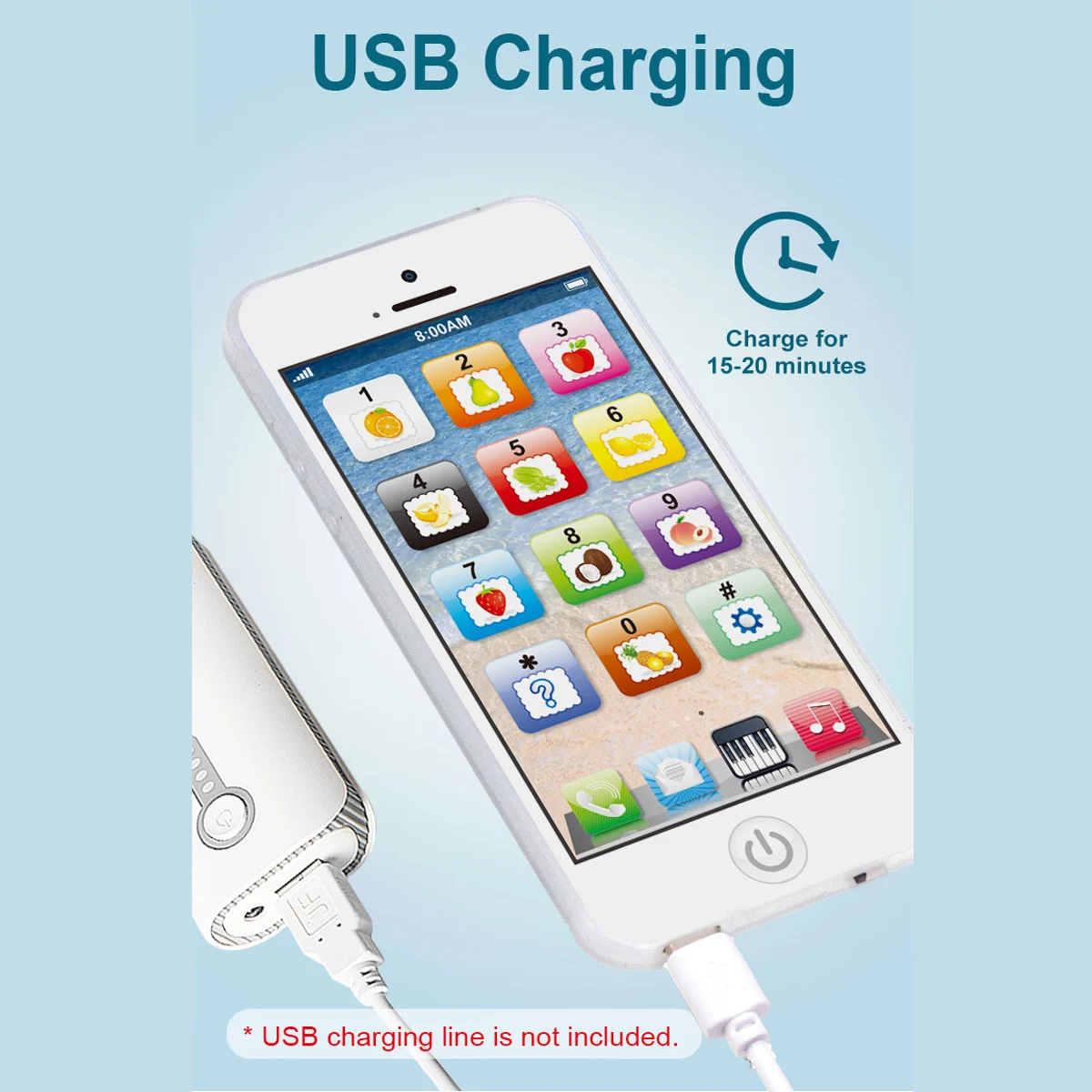
Charging Cable Location:The charging cable is located at the top or bottom of the package. You need to unpack the package to access it.
-
Low Battery Alert:When the phone makes a "tick-tock" sound, it is a low battery alert. Please turn off the phone and charge it immediately.
-
Charging Operation Rules:
-
-
You must switch the power to the off position; charging is not possible in the on position.
-
-
-
If you charge the phone in the on position when the battery is low, the phone will continue to make a "tick-tock" alert sound.
-
-
Operation Restriction During Charging:The phone has no response to any operations while charging. You need to unplug the charging cable first to perform other operations.
-
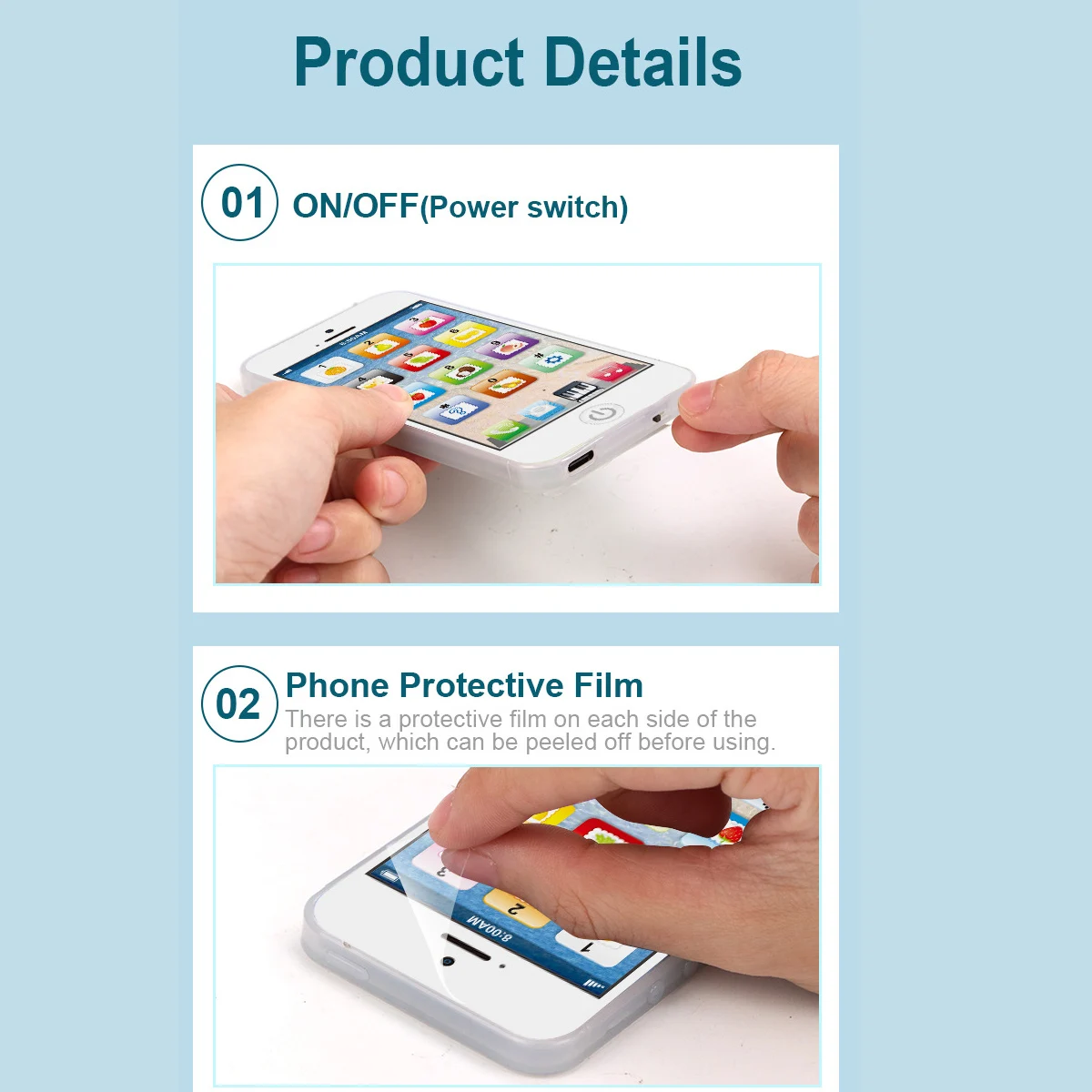
Power On/Off Switch Usage:
-
-
Slide the switch to the left to turn off the phone, and to the right to turn it on.
-
-
-
Do not slide the switch up/down or press it. Incorrect operation will damage the switch.
-
-
Explanation of Low Battery Status:When the battery is low, the phone only makes a "tick-tock" sound, with no light display and no response to key presses. This is a normal low-battery phenomenon, not a device malfunction. Charging the phone after turning it off will restore normal function.
-
Charger Requirements:Use a standard 5W charger. Fast chargers are prohibited to avoid damaging the device.